Google Tag Manager in 2026: Server-Side Tracking, a Simple Trend or a New Standard?
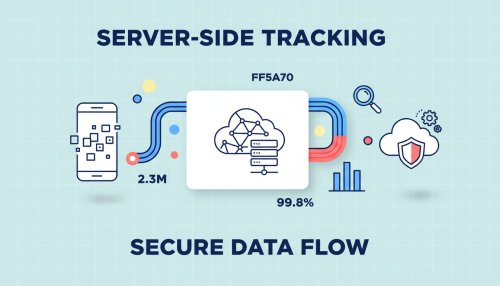
If you are managing advertising campaigns, you are probably making decisions based on a truncated reality. Between ad blockers, Safari restrictions and the progressive disappearance of third-party cookies, a classic site often sees only a fraction of its real conversions. Server-side tracking with Google Tag Manager is presented as the structural response to this erosion.
The promise is appealing, and widely relayed. It deserves to be examined without complacency: server-side is neither a gadget, nor a universal solution. For some businesses, it has become an indispensable infrastructure. For others, it is an expenditure that never pays itself back.
Here is what server-side really delivers, what it costs, and the technical pitfall that most implementations overlook.
Key takeaways from this article
- Client-side tracking loses a significant share of conversions, between blockers and browser restrictions.
- Server-side shifts tag execution from the browser to a server you control.
- Without IP address alignment, it does not extend cookie lifetime on Safari.
- Budget approximately $60 to $150 per month for hosting, excluding implementation time.
- Server-side never exempts you from consent: on the contrary, it reinforces your GDPR obligations.
Why Classic Tracking is No Longer Sufficient
Traditional tracking, known as client-side, works in the browser: scripts execute on the page and send data directly to Google Analytics, Meta or Google Ads. This model is now hitting three simultaneous walls.
- Ad blockers: uBlock Origin and similar tools intercept requests to known tracking domains. Among tech, finance or media audiences, a considerable share of sessions thus escapes all measurement.
- Browser restrictions: Safari applies ITP, which limits the lifetime of JavaScript-set cookies to seven days. If the visitor arrives via an advertising link carrying a click identifier, this delay can drop to twenty-four hours.
- Script weight: each tag adds JavaScript to load, which degrades Core Web Vitals and therefore your visitors’ experience.
The consequence is mechanical: your advertising algorithms optimise on data that is incomplete. A visitor who returns after ten days is counted as a new user, attribution windows collapse, and the displayed return on investment bears little resemblance to reality.
How Does Server-Side Tagging Work?
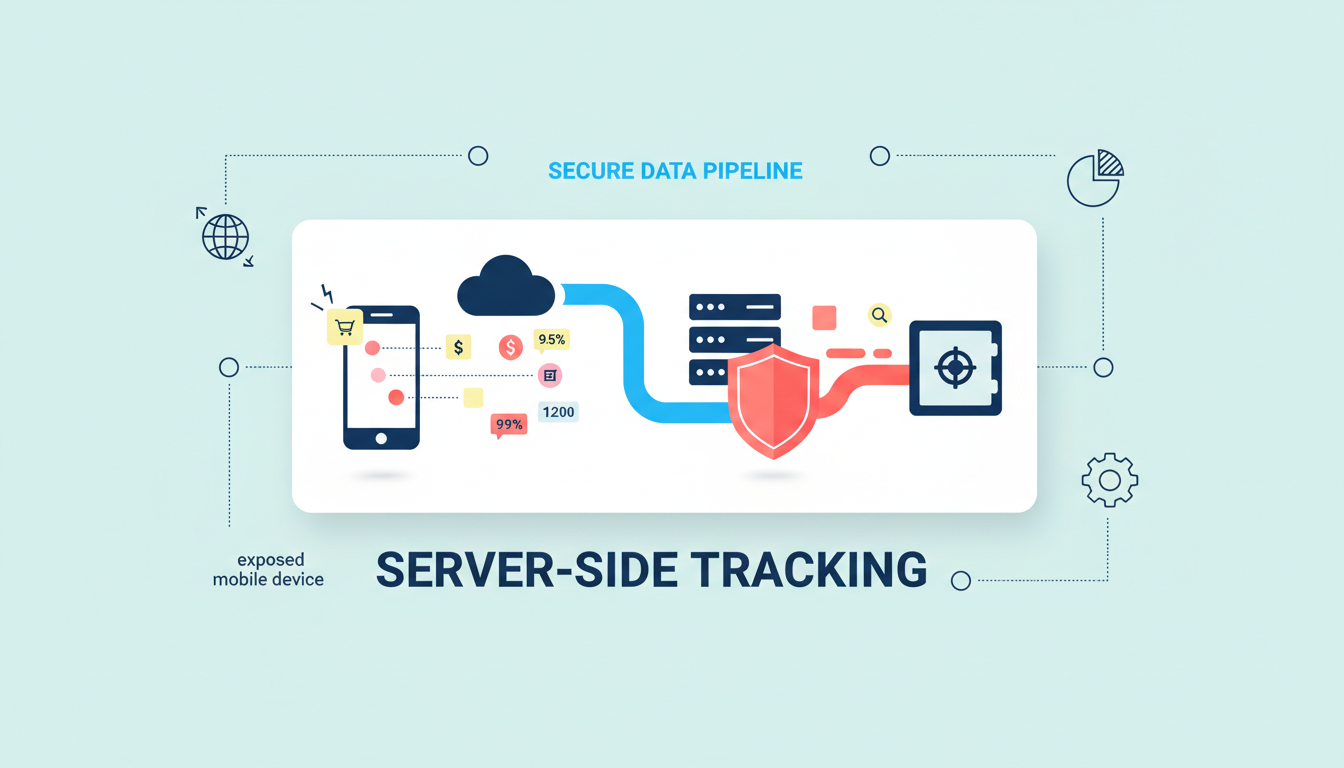
The principle is an indirection. Instead of sending events directly to platforms, your site transmits them to a server container that you control, hosted on a subdomain of your site, for example analytics.yoursite.com. This container receives the event, applies your rules, then redistributes it to the useful destinations.
Definition: server-side tagging (sGTM)
Server-side tagging refers to the execution of measurement tags on a server rather than in the visitor’s browser. The browser sends a single stream to your server container, which then takes care of transmitting the data to Google Analytics, Google Ads or Meta’s Conversions API. You retain control over what goes out, and to whom.
This architecture unlocks three concrete advantages. First, governance: you filter, enrich or anonymise data before it leaves for a third party. Then performance: fewer scripts in the browser, so faster pages. Finally resilience: requests coming from your own domain, they largely escape blockers.
Client-Side and Server-Side Compared
|
Criterion |
Client-side (classic) |
Server-side (sGTM) |
|---|---|---|
|
Tag execution |
In the browser |
On a server you control |
|
Ad blockers |
Highly exposed |
Largely bypassed |
|
Data control |
None before sending |
Filtering and enrichment possible |
|
Page performance |
Weighed down by scripts |
Lightened |
|
Cost |
Free |
Approximately $60 to $150 per month |
|
Complexity |
Low |
High, cloud skills required |
Tracking audit, server-side implementation and ongoing monitoring. We make your data reliable so your ad algorithms work on reality.
The Pitfall That Almost Nobody Mentions
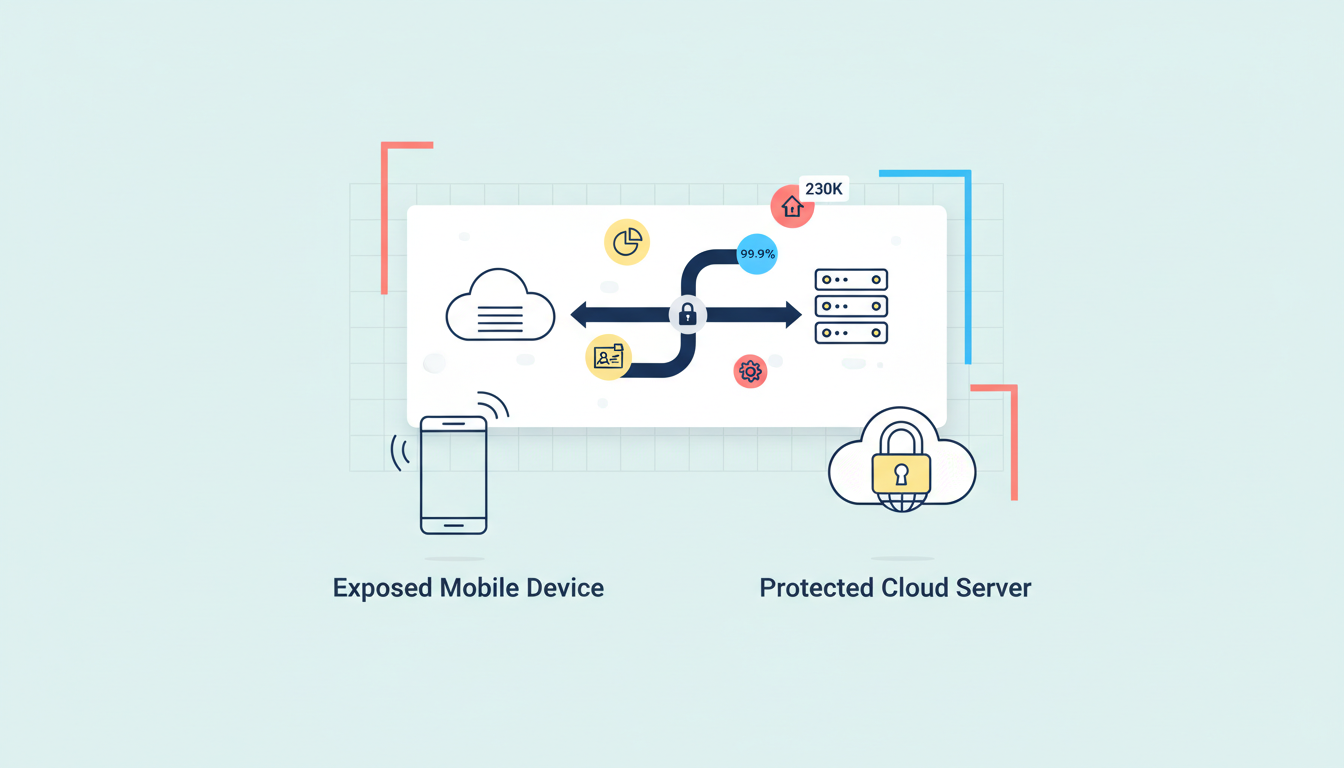
Here is the killer argument from server-side vendors: cookies set by the server, via the HTTP Set-Cookie header, would escape Safari’s seven-day limit and could persist much longer. This is true, but subject to a condition that most implementations forget.
Since Safari 16.4, the browser checks the IP address of the tagging server. If it does not belong to the same range as your main site, it considers it a disguised workaround and re-caps cookies at seven days. However, a container deployed by default on Cloud Run has its own IP range. Result: without IP alignment, via a reverse proxy or a load balancer sharing your site’s range, the main announced benefit of server-side simply does not work.
In other words, many expensive migrations never deliver what they were paid for. Before any project, one reflex: look at Safari’s share in your audience. If it remains low, the cookie argument is not sufficient to justify the investment.
Server-Side and GDPR: A Necessary Clarification
One must be direct, because the misunderstanding is frequent and dangerous: server-side is not a way to bypass consent. The regulation does not concern the technology used, but the user’s authorisation. If a visitor refuses tracking, the data must not be collected, whether browser-side or server-side.
The Consent Mode therefore remains fully applicable: the consent signals configured in your CMP must be transmitted to the server container, which adjusts its behaviour accordingly. Server-side gives you more technical power, and therefore a reinforced compliance duty: flow traceability, processing documentation, strict respect for refusals. Used to track users without their knowledge, it exposes you far more than it protects you.
So, a Trend or a New Standard?
The honest answer: server-side has become the standard for a specific segment of advertisers, and remains an unjustified expense for everyone else. The break-even point sits at around several thousand euros of monthly media budget. Below that, the hosting cost and implementation time do not pay themselves back.
Server-Side is Justified if
- You are investing significant media budgets and every attribution point matters.
- Your audience is heavily present on Safari or makes heavy use of blockers.
- Your GDPR requirements impose fine control over what is transmitted to platforms.
- You have, in-house or via a partner, the skills to maintain the infrastructure.
Better to Wait if
- Your advertising budget remains modest: first consolidate clean client-side tracking.
- You have no capacity to manage a cloud infrastructure over time.
- Your current measurement gaps are minor and do not affect your decisions.
One final point of vigilance on costs: beyond hosting, Cloud logging activated by default can significantly inflate the bill. This is a classic, and costly, trap for teams discovering Google Cloud.
Doko, Your Measurement and Acquisition Partner in Lyon
Doko is a human-scale Lyon-based webmarketing agency, based in La Mulatière. A Google Premier Partner, we manage Google Ads and Meta Ads campaigns for which the quality of the conversion signal directly determines performance.
Our position on server-side is unambiguous: it is an excellent tool, badly sold. We only recommend it when the calculation is favourable, and we always start by verifying what you are really losing today. We work on real data, without promising miracles. Want to know if your tracking is costing you money? Request a quote.
FAQ: Server-Side Tracking with GTM
Does Server-Side Tracking Allow You to Bypass Consent?
No, absolutely not. The GDPR concerns user consent, not the collection technology. If a visitor refuses tracking, no data must be collected, server-side or browser-side. Consent Mode must be transmitted to the server container.
How Much Does a GTM Server Container Cost?
Budget approximately $60 to $150 per month for hosting on Cloud Run, with two to three instances recommended in production. Watch out for logging, which can significantly inflate the bill if left active. Add implementation and maintenance time.
Does Server-Side Really Make My Cookies Last Longer on Safari?
Only if the IP address of your tagging server is aligned with that of your site. Otherwise, Safari re-caps cookies at seven days, as in client-side. This is the most misunderstood aspect of the subject, and the cause of many disappointments.
Does Server-Side Improve Site Speed?
Yes, in principle, since you are removing JavaScript from the browser. The gain only appears, however, once the switch has actually been made. As long as you keep client-side tags in parallel, which is common during the migration phase, no performance improvement is visible.
Should You Switch Everything at Once?
No, the migration is done progressively. You generally start with Google Analytics, then add Meta’s Conversions API and Google Ads’ enhanced conversions. A brutal switch exposes you to data losses and conversion duplicates.