What is a Robots.txt File and How Do You Create One for Your Website?
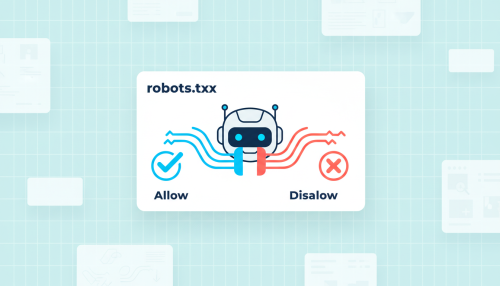
Every time a search engine visits your site, it almost always starts by reading the same small file: the robots.txt file. This discreet but strategic text document tells robots which pages they can explore and which they should ignore. Correctly configured, it helps Google focus on your important content; poorly set up, it can make an entire site disappear from search results.
Understanding robots.txt is therefore a basic skill for anyone interested in SEO. The good news: its logic is simple and creating one is within everyone’s reach, provided you know a few rules and avoid the classic mistakes.
Here is everything you need to know to create, understand and test your own robots.txt file.
Key takeaways from this article
- The robots.txt file tells search engines which pages to crawl or not.
- It is placed at the root of the site, at the address yoursite.com/robots.txt.
- Its main directives are User-agent, Disallow, Allow and Sitemap.
- It controls crawling, not indexing: a blocked page can still appear in Google’s results.
- It is verified in Google Search Console before going live.
What is a Robots.txt File?
The robots.txt file is a simple text-format file placed at the root of a website. It applies what is known as the robots exclusion protocol: a standard that most search engines. When a robot such as Googlebot arrives on your domain, it consults this file before exploring a single page, to find out what it is authorised to browse.
Definition: robots.txt
A robots.txt file is a text document that lists crawling rules intended for search engine robots. It indicates, for each user agent, the URL paths that are authorised or forbidden. It is a pillar of on-site technical optimisation, on a par with the sitemap or URL structure.
What is the Robots.txt File Used for in SEO?
Its primary role is to manage robot traffic on your site to avoid overloading it and to direct crawling towards your useful pages. In practice, it allows you to exclude from crawling areas of no interest to search: back-office, account pages, internal search results or duplicate content. You thus preserve your crawl budget for the pages that truly matter.
Be careful, however, of a common confusion: robots.txt controls crawling, not indexing. A blocked page can still appear in Google if other sites link to it. To genuinely prevent indexing, you must use a noindex tag on a page that remains accessible, and not block it in robots.txt.
The file is also increasingly used to manage the new artificial intelligence robots, such as GPTBot or the robots from Perplexity and Claude. Controlling these accesses is now part of a search strategy in the AI era.
How Does a Robots.txt File Work? The Syntax
A robots.txt file is composed of blocks of rules. Each block begins with a user agent, followed by authorised or forbidden paths. Here are the essential directives.
The User-agent Directive
The line User-agent designates the robot concerned by the rules that follow. An asterisk targets all robots, while a specific name, such as Googlebot, only applies to that robot. Each robot only reads the most specific block that concerns it.
User-agent: *
User-agent: Googlebot
The Disallow and Allow Directives
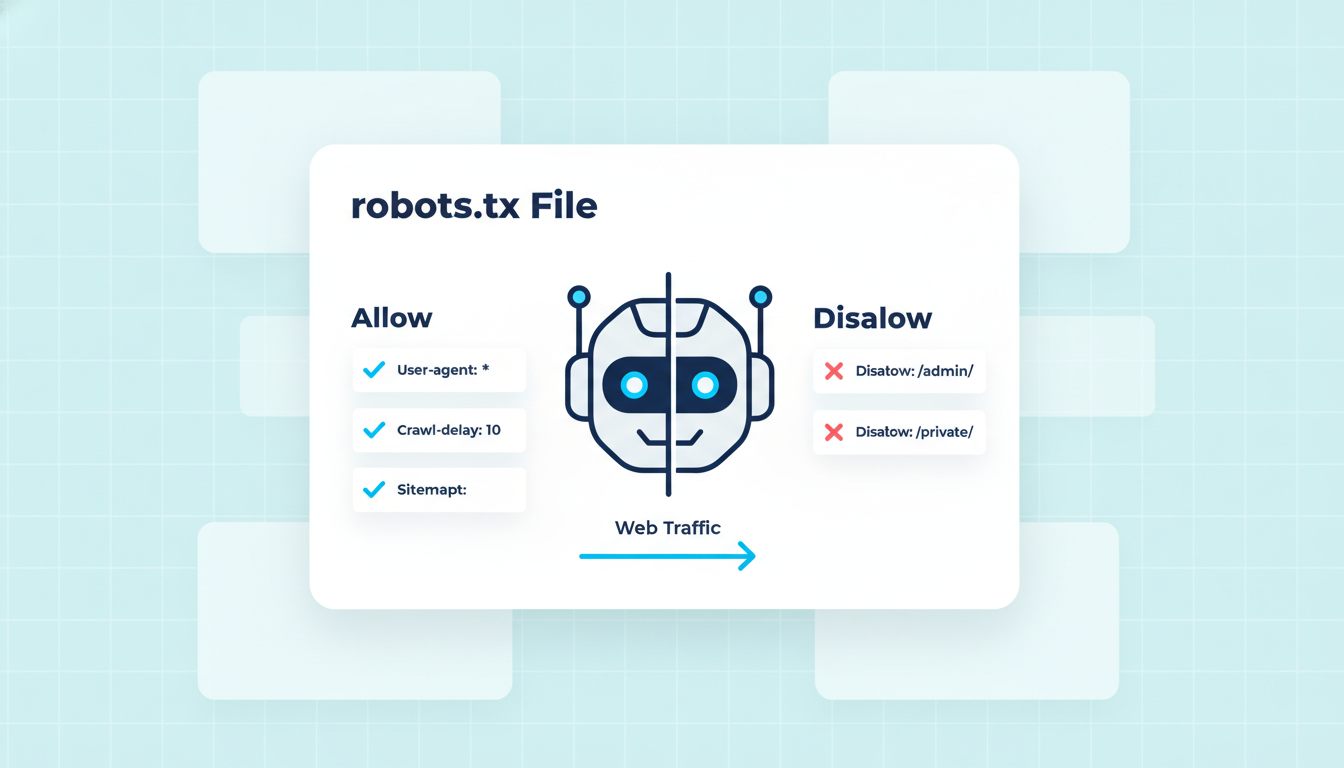
The directive Disallow forbids the crawling of a path, whereas Allow authorises an exception within a blocked area. Paths are case-sensitive, and the most precise rule takes precedence.
User-agent: *
Disallow: /wp-admin/
Allow: /wp-admin/admin-ajax.php
The Sitemap Directive
The line Sitemap indicates to search engines the location of your XML site plan. This is not a crawling rule, but a valuable aid to the discovery of your URLs.
Sitemap: https://yoursite.com/sitemap.xml
Robots.txt Directives at a Glance
|
Directive |
Role |
Example |
|---|---|---|
|
User-agent |
Targets a specific robot or all robots |
User-agent: Googlebot |
|
Disallow |
Forbids the crawling of a path |
Disallow: /admin/ |
|
Allow |
Authorises an exception within a blocked area |
Allow: /admin/public/ |
|
Sitemap |
Indicates the location of the site plan |
Sitemap: …/sitemap.xml |
Technical audit, configuration and ongoing optimization. We check and secure your SEO foundations so Google crawls what matters.
How to Create a Robots.txt File for Your Website?
Creating a robots.txt file requires no complex tools. Here is the procedure to follow.
- Create a text file: open a simple editor and save a document named exactly robots.txt, encoded in UTF-8.
- Write your rules: define the user agents concerned, then the Disallow and Allow directives according to the areas to protect.
- Add your sitemap: indicate the full URL of your site plan to facilitate the discovery of your pages.
- Place the file at the root: upload it so that it is accessible at the address yoursite.com/robots.txt.
- Verify the result: test the file in Google Search Console before considering the work complete.
Here is an example of a complete and functional robots.txt file for a standard site:
User-agent: *
Disallow: /wp-admin/
Allow: /wp-admin/admin-ajax.php
Disallow: /panier/
Disallow: /recherche/
Sitemap: https://yoursite.com/sitemap.xml
Mistakes to Avoid With the Robots.txt File
A single misplaced line can have serious consequences. These pitfalls come up frequently in our audits.
- Blocking the entire site: a Disallow: / directive forbids the crawling of all web pages, often accidentally after a redesign.
- Confusing crawling and indexing: blocking a URL does not prevent its indexing; worse, Google will never see your noindex tag if the page is blocked.
- Using Noindex in robots.txt: this directive has not been supported by Google since 2019 and has no effect.
- Blocking CSS and JavaScript: these files are necessary for page rendering; forbidding them harms Google’s understanding of the site.
- Ignoring case sensitivity: Disallow: /Admin/ does not block /admin/, as paths are case-sensitive.
- Believing it is a confidentiality tool: robots.txt is public; to protect sensitive content, real authentication is required. An SEO audit allows you to identify these at-risk settings.
How to Test Your Robots.txt File?
Before and after every modification, verify your file in Google Search Console. The robots.txt report shows you the version that Google has retrieved, its reading date and any syntax errors. The URL inspection tool completes the analysis by indicating, for a given address, whether it is blocked and by which rule. This double verification avoids attributing to robots.txt a problem that actually stems from a redirect or server error.
Doko, Your Partner for Mastered Technical SEO
Doko is a human-scale Lyon-based webmarketing agency, based in La Mulatière. A Google Premier Partner, we support businesses across all aspects of their organic search, from content to technical. A well-designed robots.txt file is one of the foundations we systematically check.
Robots.txt file, sitemap, tags, indexing, crawl budget: these invisible settings determine your site’s visibility. We work on real data, we document every intervention and we measure its impact. Have a doubt about your site’s configuration? Request a quote.

FAQ: The Robots.txt File
Where should the robots.txt file be placed?
At the root of your domain, so that it is accessible at the address yoursite.com/robots.txt. Placed elsewhere, it will not be taken into account by search engines.
Is the robots.txt file mandatory?
No. In its absence, robots consider that they can crawl everything. It becomes useful as soon as you want to direct crawling or exclude certain technical areas.
Does robots.txt prevent a page from being indexed?
No. It prevents crawling, not indexing. A blocked page can appear in Google if it is linked elsewhere. To genuinely exclude it, use a noindex tag on a page that remains accessible.
How do you block a specific robot such as Googlebot?
Create a dedicated block beginning with User-agent: Googlebot, followed by the desired Disallow directives. Each robot only follows the most specific block that concerns it.
How do you know if your robots.txt is working?
Consult the robots.txt report and the URL inspection tool in Google Search Console. They indicate the version read by Google and whether a given URL is blocked.