[en] SEO
[en] Stratégie
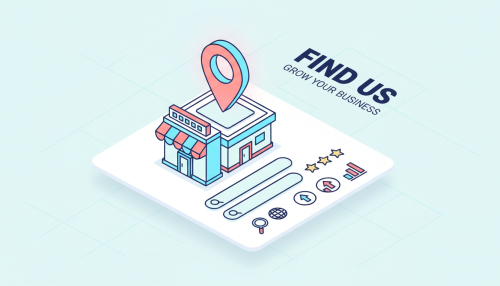
Your listing gets views, but the phone stays silent. The competitor across the street, despite a lower rating, sits at the top of the Local Pack. At Doko, we encounter this situation in almost every local audit: it is not a coincidence — it is a Google My Business SEO problem.
The factor that most often tips a ranking is called Prominence, linked to the number of reviews and links pointing to your business. This guide details the Google My Business SEO levers that actually work in 2026 — the ones we activate in practice when we rebuild a listing from scratch.
Key takeaways
The name Google My Business has not officially existed since 2021: the tool is now called Google Business Profile. The expression remains the most searched on Google, which is why it is used throughout this article.
There is no longer a standalone mobile app. Management is done via Google Maps, Google Search, or business.google.com. Creating or claiming your listing remains free, as Google confirms: “You can add or claim your business at no charge.”
|
Criterion |
Local SEO (Google listing) |
Traditional SEO (website) |
|---|---|---|
|
Objective |
Appear in the Local Pack and on Maps |
Rank in organic results |
|
Key factors |
Relevance, distance, prominence |
Content, backlinks, user experience |
|
Main lever |
Customer reviews and complete listing |
Content and link building |
|
Geographic scope |
Defined catchment area |
National or international reach |
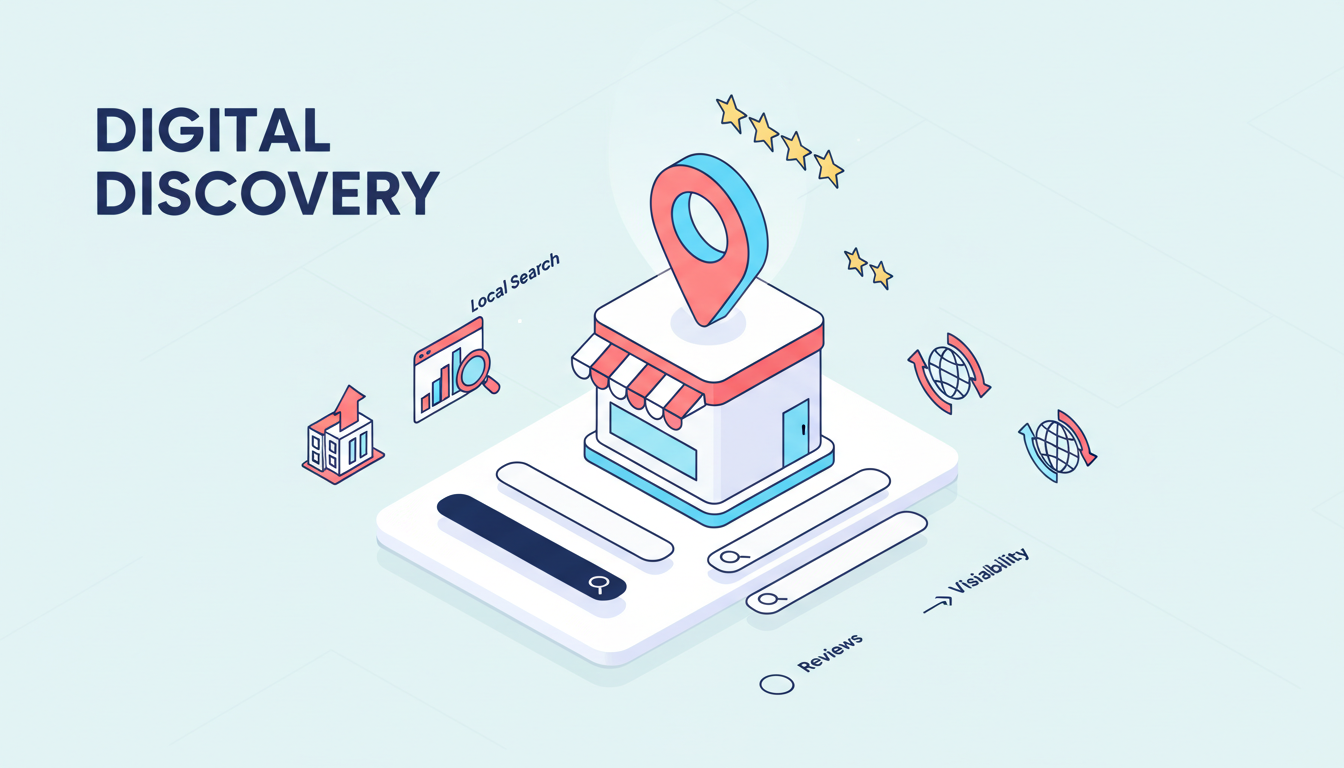
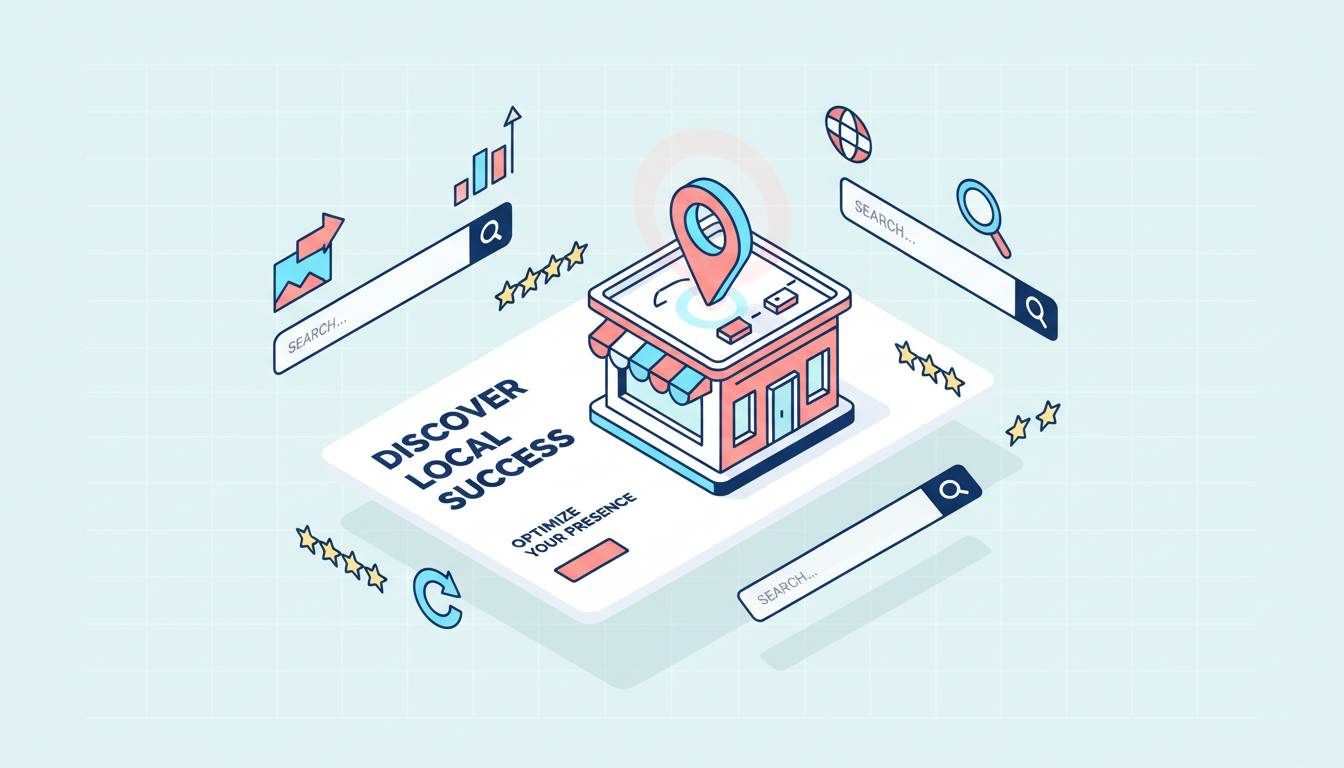
Profile optimization, customer reviews, categories and Google Maps visibility: discover the key strategies to improve your local SEO and attract more customers.
The “Local Pack” (or “Map Pack”) is an industry expression, not official Google terminology. Google itself refers to relevance, distance and prominence — sometimes informally called “popularity” — to rank listings near a given query.
Definition : la Prominence.
Prominence indicates how well-known a business is to the general public, notably through the number of sites linking to the listing and the number of reviews received.
Note: en 2026, un AI Overview sometimes appears above the Local Pack for certain local queries — a recent development worth monitoring.
A complete listing captures qualified traffic and boosts local visibility without additional advertising budget. Opening hours, phone number, directions — everything is displayed directly in the results, before the user has even clicked a link.
Claiming is done on Google Maps or via business.google.com, with verification by phone, post or email depending on the case. Once the listing is validated, every field matters: address, opening hours, phone number, website, category. We still see far too many half-filled listings, when these fields can be completed quickly once you know where to look.
The primary category carries more weight than the name in the relevance calculation, and it is often the first point we correct during an audit. It must describe the activity precisely, without selecting multiple categories at once. Secondary categories refine the offering without diluting it.
The description answers a simple question: what does the business do, where, and for whom? Town and catchment area find their place naturally, unlike the business name, which must remain plain (we come back to the risks of keyword stuffing further down).
Listings with visuals generate more clicks and direction requests than those without, as we observe with every listing we enrich. Exterior, interior, team, products: these four photo categories cover the essentials, and a short video can complete the picture.
Reviews directly feed Prominence, and therefore ranking. To generate more:
Note: Google is strict on this point: “Offering benefits (such as free or discounted products or services) in exchange for posting or editing reviews, or for removing negative reviews, is considered fake engagement and is strictly prohibited.”
Posts, visible in the Updates tab or the “From the owner” section, allow you to share an offer or news item. Publishing once every one to two weeks is enough to show an active listing.
Google’s native messaging was discontinued: conversations were disabled on 15 July 2024, with a complete shutdown at the end of July. A “Message” button via WhatsApp or SMS sometimes replaces it, depending on the region and for verified listings.
It is better to focus efforts on what actually works today: attributes, Posts, and the products or services section. Questions & Answers is no longer a feature we recommend relying on.
Google is explicit: “You must not include unnecessary information in your business name. Failure to comply with these guidelines may result in suspension of your listing.” Slogans, store codes, brand symbols and capitalisation are all covered.
“Crédit central, la meilleure banque de France” est interdit ; “Crédit central” est autorisé.
The name, address and phone number must be identical everywhere the business is listed: website, directories, social networks. Google recommends a listing that matches the real address, so as not to confuse the distance signal. This is a detail often overlooked internally, when a single forgotten old directory listing is enough to create doubt.
A negative review left unanswered suggests the business does not care about its customers. Silence never erases a review — it simply confirms there is nobody behind the listing. This is one of the easiest signals to fix, yet one of the most frequently left unaddressed.
The dashboard, historically called “Insights”, is now officially called Performance. Four metrics structure it: interactions, searches, views and direction requests. This is the first place to look before changing anything on a listing.
Un outil de suivi de position locale complète les Performance natives en vérifiant le classement réel, quartier par quartier. Les métriques natives de Google donnent une tendance ; ce type d’outil donne le détail.
Note: the commonly cited one-to-three-month delay for seeing results is not a figure communicated by Google — it is more of an industry rule of thumb, not a guarantee.
Building a complete local strategy often requires an outside perspective — we see this with listings we take over after a first solo attempt. At Doko, as a local SEO agency, we offer a free free audit of your Google Business Profile listing.
The former name of Google Business Profile; creating or claiming your listing remains free.
No official timeframe is communicated by Google; the industry suggests several weeks to a few months depending on local competition.
Yes, for home services: Google recommends hiding the address and defining a service area.
No — this is prohibited by Google and can result in listing suspension.
By systematically asking for a review after a positive experience, without ever offering any incentive in exchange.