[en] SEO
[en] Stratégie
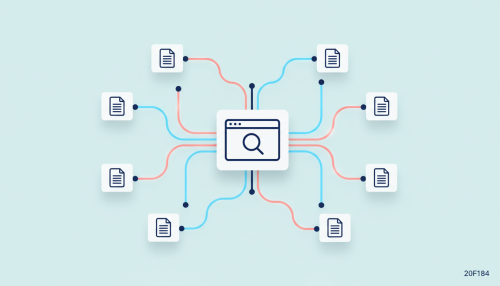
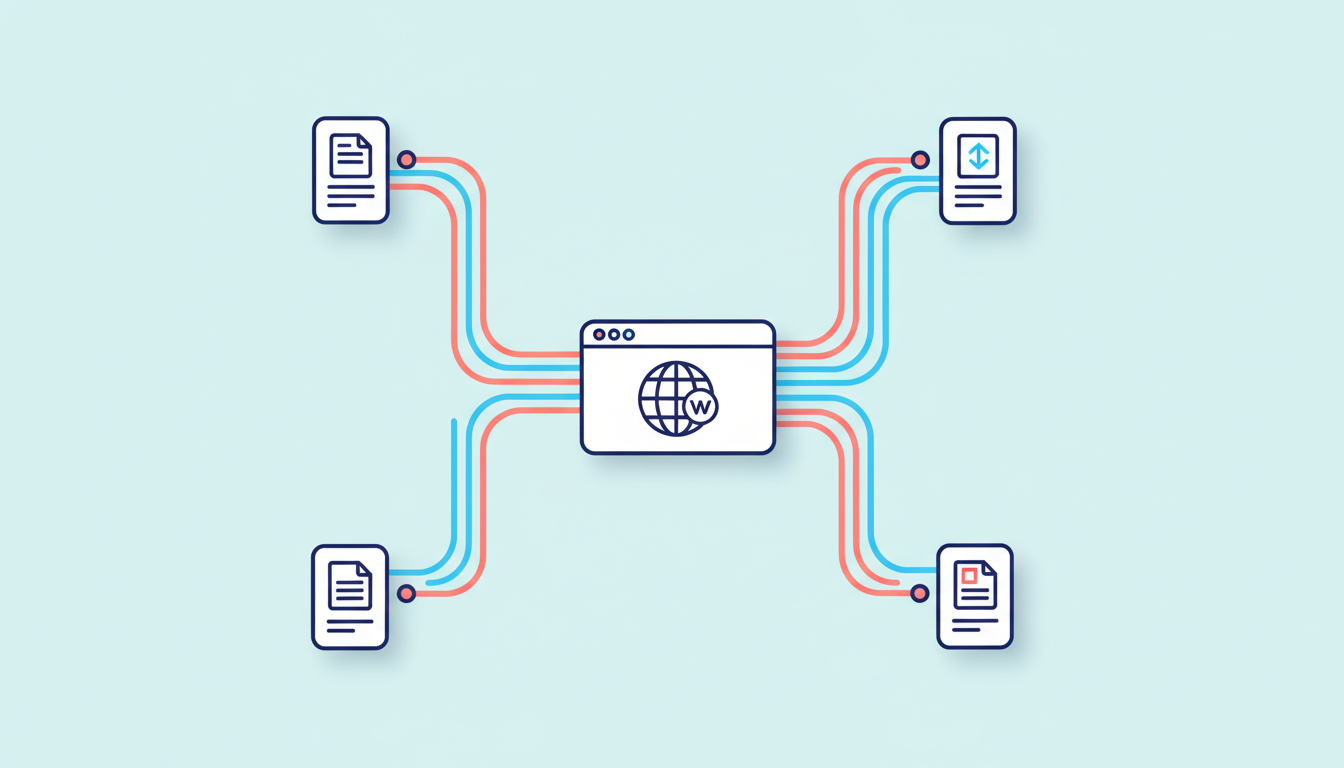
A site with excellent content but internal linking SEO that is poorly executed means dozens of pages that Google crawls poorly and a reader never discovers. Internal linking — this network of links connecting your pages to one another — largely determines what Google indexes quickly and what a visitor finds right after reading your article.
At Doko, this is often one of the first things we look at when we arrive on a client’s site. The content can be excellent — if the internal links are not there, a large part of that work remains invisible.
This guide details how to build, audit and correct a high-performing internal linking structure: the architecture to favour, the mistakes that drag down internal PageRank, the tools for mapping your links, and how good internal linking turns a reader into a customer. Every point is grounded in Google’s official documentation and market-standard tools — no myths, no invented figures.
Key takeaways
Definition: internal linking refers to the set of links connecting the pages of a single site to one another. Each internal link points to a URL on the same domain, unlike an external link which points to another site.
Google says it plainly: internal links help users and search engines better understand a site and find other pages.
Internal linking is sometimes confused with link building: the latter refers to backlinks coming from another domain, while internal linking remains entirely under your control, within your own site.
The internal PageRank remains a central concept in Google’s algorithm. Each page receives a form of authority based on the links pointing to it, then redistributes some of that to the pages it links to in turn. This is the image of “link juice“: a link transfers a share of the source page’s value to the target page.
Note : the Toolbar PageRank — that public score from 0 to 10 — was discontinued on 15 April 2016. No mainstream tool today allows you to know the real PageRank of a page, even though the concept continues to feed Google’s internal result ranking.
Matt Cutts, former Google engineer, put it simply: a page’s PageRank is divided among the number of links it contains. A page pointing to three other pages distributes its authority in three equal shares — hence the value of prioritising your links.
A well-developed internal linking structure brings three benefits.
These three benefits reinforce each other: a better-indexed page receives more traffic, an engaged reader sends positive signals, and a well-linked strategic page ranks better.
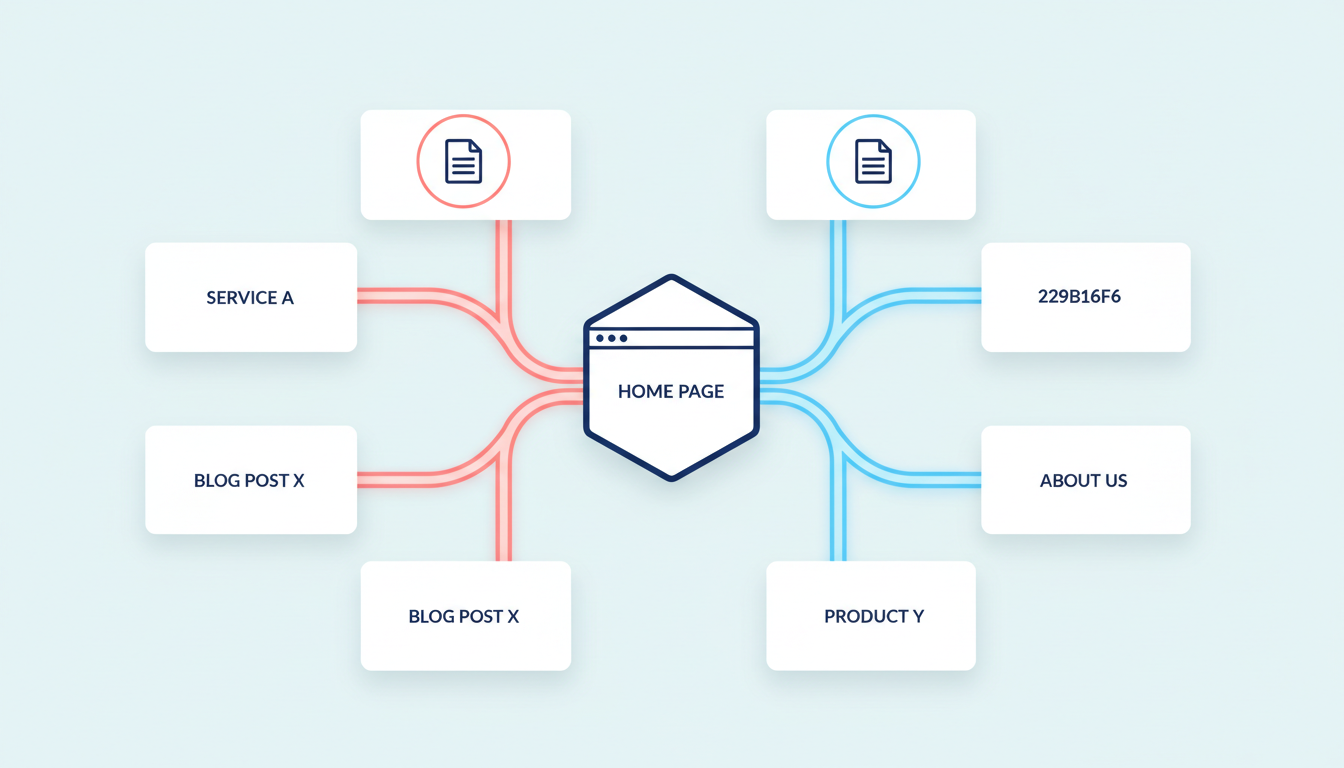
The site’s architecture organises pages into categories and subcategories, from most general to most specific. A clear architecture limits page depth — the number of clicks needed to reach a page from the site’s root.
Definition: the semantic cocoon is a method of structuring content by theme, where interlinked pages progressively cover a subject, from the most general page to the most specific. The concept was formalised in 2007 by French SEO consultant Laurent Bourrelly, not by Google.
Bourrelly himself acknowledges that his method has evolved: “It is no longer the concept I formalised in 2007. The backbone and the basic concept are the same, but the journey continues.” A useful inspiration, without making it a dogma.
A link buried in a “see also” list at the bottom of a page does not carry the same weight as a link placed within the body of the text, where it answers a question the reader is asking at the very moment they are reading.
Google recommends relevant and contextual links rather than a pile of links unrelated to the topic. In practice, this means slipping the link into the sentence where it makes sense — when an article mentions a concept already covered elsewhere, or refers to an existing product or service.
This approach requires slightly more editorial work than an automated link block at the end of an article, but it pays off: the reader clicks because the link meets a real need, not simply because it is there.
The anchor is the clickable text of the link. Google recommends descriptive anchors, reasonably concise and relevant to the target page. Generic anchors such as “click here” or “learn more” provide no information to either the user or the search engine.
Note : Google’s official warning about “over-optimised” anchors primarily targets manipulative external link building, paid links and fake guest posts. It does not primarily target internal linking, although caution is still recommended for the user experience.
|
Anchor type |
Example |
Recommended |
|---|---|---|
|
Generic anchor |
“click here”, “learn more” |
No — provides no information about the target page |
|
Repeated exact anchor |
Same keyword on all links to a page |
To be limited — risk of over-optimisation |
|
Natural descriptive anchor |
“our guide on internal linking audit” |
Yes — contextual and readable |
|
Brand anchor |
Name of a tool or cited source |
Yes — used sparingly |
The right instinct here can be stated in one sentence: vary the wording without losing clarity — for the reader as much as for Google.
Strategic pages, semantic silos, anchor texts and orphan pages: optimize your internal linking to improve crawling, strengthen visibility and guide visitors toward conversion.
With structure and context established, it is time to take action. Here is the method, step by step.
Before adding a single link, you need to know your starting point. An audit begins by identifying strategic pages: product pages, pillar content, conversion pages.
The audit takes place in three stages:
The “3-click rule” states that no page should be more than three clicks from the homepage — a UX heuristic that appeared in the early 2000s and has been popularised well beyond SEO.
Note : this rule is neither official at Google nor validated by studies. The Nielsen Norman Group called it a myth in 2019, after an earlier study had already challenged it.
It remains a common-sense guideline: limiting page depth facilitates content discovery. Better to aim for a clear hierarchy — categories, then subcategories, then pages — than to chase a precise number.
With the hierarchy in place, the task is to connect content pieces that cover related topics. This is where the semantic cocoon makes full sense: a blog article links to related articles on the same theme, and the whole set links back to the product or service page that capitalises on that subject.
A logical bridge is built in both directions: from the general article to the specific one, but also towards the associated conversion page. This reciprocity avoids dead ends — pages that lead nowhere once read to the end.
Three traps come up most often: broken links to 404 error pages, redirect loops, and orphan pages.
Definition: an orphan page exists on the site, sometimes even indexed, but receives no internal link from any other page. A visitor or crawler can only reach it by typing its exact URL or via an external search engine.
You detect orphan pages by cross-referencing multiple sources: URLs from Google Analytics, Search Console, the XML sitemap, and those actually discovered during a site crawl. Any URL present in the first three sources but absent from the crawl is, by definition, an orphan.
A clean internal linking structure does not simply please the crawlers. It directly changes the reader’s behaviour, all the way to their purchase decision.
A reader who finishes an article with nothing else to read closes the tab. That is the logic behind the link between internal linking and the bounce rate: offering relevant content at the right moment gives a reason to stay on the site.
No universal statistic allows this gain to be quantified — it depends too much on the sector and the site. The principle remains sound: the closer a recommendation is to the topic read, the more likely it is to be followed.
A blog article attracts a reader at the top of the funnel, often before they have identified a specific need. Internal linking progressively guides them towards a product or service page, at the moment the content naturally justifies it: a link slipped into the middle of a paragraph describing a problem, pointing to the page that offers the solution, converts better than a “Contact us” button tacked on without context.
At Doko, the internal linking audit is part of our content campaigns from the outset: better to connect what already exists than to multiply isolated pages.
Google Search Console summarises the challenge well in its “Links” report: the objective is to clean up the site’s navigation flow, confirming that users can go from page A to page B in a minimum number of clicks.
A user journey that is smooth means internal linking that anticipates the reader’s next question rather than leaving them to search for it in the menu — less friction and therefore fewer drop-offs before conversion.
Understanding the theory is not enough to fix a disordered linking structure. Here are the tools that come up most often in our audits.
Screaming Frog is the reference desktop crawler for auditing internal linking. Its “Internal Linking” module analyses links, their number and crawl depth, then calculates an internal link score per page. Its “Anchor Text” module identifies non-descriptive anchors, and its XML sitemap analysis identifies orphan pages.
Botify is aimed more at large sites, with its large-scale “SiteCrawler” crawl, capable of exploring millions of pages without crawl budget limits and of detecting broken links and duplicate content.
Note : Botify’s public positioning evolved in 2026 towards “AI Readiness” and GEO — optimisation for generative engines. The classic crawler still exists under the name SiteCrawler, for traditional internal linking audits.
On WordPress, internal link suggestion plugins exist to provide automatic recommendations at writing time, by identifying thematically similar articles. They save time on large volumes of content, and some flag pages that receive few inbound links.
They do not replace editorial judgement: an automatic suggestion still needs manual validation, to keep links that answer a genuine question from the reader rather than a simple similarity algorithm.
The “Links” report in Google Search Console is divided into two sections: external links (most linked pages, referring sites, most used anchors) and internal links, which show which site pages point to a given page.
It is the most reliable place to check, after an internal linking campaign, whether a strategic page has genuinely gained links. Google recommends using this report to clean up the navigation flow and reduce the number of clicks between two pages.
Even with the right tools, certain mistakes come up regularly in audits.
Systematically repeating the same exact anchor towards the same page sends an artificial signal, even though Google’s warning about over-optimised anchors is primarily aimed at manipulative external link building. Internally, this repetition mainly harms readability.
Varying anchors while remaining descriptive is the best defence — drawing on natural synonyms for the topic rather than mechanically repeating the main keyword.
Orphan pages are not always old, abandoned articles. They are often category pages, old product pages, or articles never linked from content published after them.
The detection method remains as described above — by cross-referencing sources. Any URL absent from the crawl despite being present elsewhere deserves a link from existing content.
A link must bring genuine value to the reader, not simply distribute internal PageRank towards a page to be boosted. An off-topic link breaks trust and reading logic.
The best question to ask before inserting a link remains simple: does it answer a question the reader is asking at that precise point in the text? If the answer is no, it is better to look for a more relevant page, or not to add a link at all.
Internal linking refers to the set of links connecting the pages of a single site to one another. It helps users navigate and Google to crawl, understand and index content.
Link building encompasses external links — backlinks coming from other domains to yours. Internal linking concerns only the links between the pages of your own site, a lever you control entirely.
“Link juice” describes how a page’s authority is transmitted through the internal links pointing to it, then redistributed to the pages it links to in turn. Internal PageRank still exists at Google, even though the public Toolbar score disappeared in 2016.
There is no magic number. Google dropped its historical recommendation of not exceeding around a hundred links per page well before 2008 — a guideline still incorrectly cited today. The right benchmark remains relevance for the reader.
An orphan page exists on the site, sometimes even indexed by Google, but receives no internal link from any other page. It is detected by cross-referencing the URLs from Google Analytics, Search Console and the XML sitemap with those actually discovered during a crawl.
A solid internal linking structure cannot be improvised in an afternoon, especially on a site with hundreds of pages. If an audit is needed and you would rather delegate this work, the Doko team can handle it with you, from the initial analysis through to the link plan to be implemented.
Source: https://developers.google.com/search/docs/crawling-indexing/links-crawlable
Source: https://en.wikipedia.org/wiki/PageRank
Source: https://searchengineland.com/googles-matt-cutts-we-dropped-the-100-links-per-page-guideline-but-we-may-take-action-if-it-is-too-spammy-178197
Source: https://www.nngroup.com/articles/3-click-rule/
Source: https://web.archive.org/web/20190327183616/http://www.laurentbourrelly.com/blog/categorie/cocon-semantique
Source: https://www.screamingfrog.co.uk/seo-spider/
Source: https://www.screamingfrog.co.uk/seo-spider/user-guide/general/
Source: https://www.botify.com/platform/visibility/sitecrawler-feature
Source: https://support.google.com/webmasters/answer/9049606
Source: https://developers.google.com/search/docs/essentials/spam-policies